
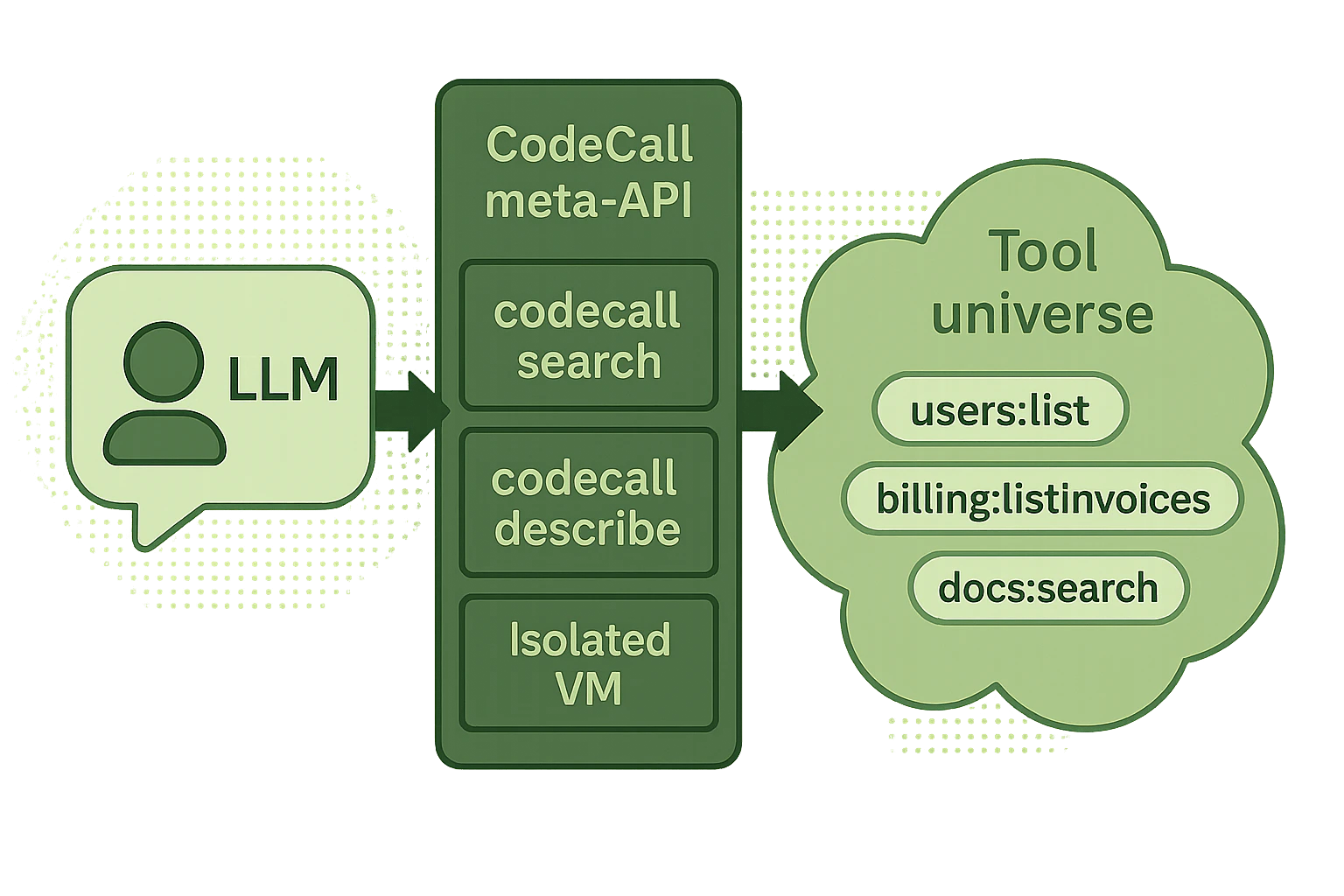
 AgentScript is the safe JavaScript subset that runs inside
 codecall:execute. It gives LLMs the power to orchestrate multiple tools, filter data, and build workflows — while the security pipeline ensures every script is validated, transformed, and sandboxed before execution.
Core APIs
callTool(name, input, options?)
Call a registered tool and get the result.
Options:
Return value (when
throwOnError: false):
getTool(name)
Get metadata about a tool (name, description, schemas) without calling it.codecallContext
Read-only context object passed in thecodecall:execute request. Use it to access tenant information, user IDs, or any custom data.
console (if enabled)
Standard console methods, captured in the responselogs array.
Console is only available if
vm.allowConsole: true in plugin config. Logs are returned in the logs array of the response.__safe_parallel(fns, options?)
Execute multiple async operations in parallel with controlled concurrency.
Limits:
Error behavior: If any operation fails, the entire
__safe_parallel call fails with a combined error message.
What You Can Write
AgentScript supports a safe subset of JavaScript:What Is Blocked
eval / Function / AsyncFunction
eval / Function / AsyncFunction
Dynamic code execution is blocked to prevent injection attacks.
require / import
require / import
Module loading is blocked to prevent sandbox escape.
Global access
Global access
No access to Node.js globals or the host environment.
while / do-while / for-in
while / do-while / for-in
Unbounded loops are blocked to prevent infinite execution.Use
for-of or for with bounds instead.Prototype access
Prototype access
Prototype manipulation is blocked to prevent pollution attacks.
Reserved prefixes
Reserved prefixes
Identifiers starting with
__ag_ or __safe_ are reserved for the runtime.Timers
Timers
Async escape via timers is blocked.
Regular expressions (strict mode)
Regular expressions (strict mode)
In AgentScript’s strict mode, regex literals are blocked to prevent ReDoS.
Error Handling Patterns
Basic: throwOnError
Retry Pattern
Fallback Pattern
Partial Success Pattern
Parallel Execution
Use__safe_parallel for concurrent operations:
Batch Fetching
Parallel Aggregation
Best Practices
Next Steps
API Reference
Complete meta-tool schemas, error codes, and debugging guide
Examples & Recipes
Real-world patterns built with AgentScript
Security Model
How AgentScript is validated, transformed, and sandboxed
Configuration
VM presets, iteration limits, and console settings